
Every cleanup comes with evidence
Scan results list each item’s path, size and the reason behind the suggestion. One-click cleanup only selects caches that rebuild themselves, and you review the full list before anything is deleted.
 ClearancemacOS
Clearance tells you what is safe to delete on your Mac and why, and only acts after you confirm. Clear Xcode, Gradle, Android SDK and Flutter caches in one click. Your projects, chat history and device data are never selected.
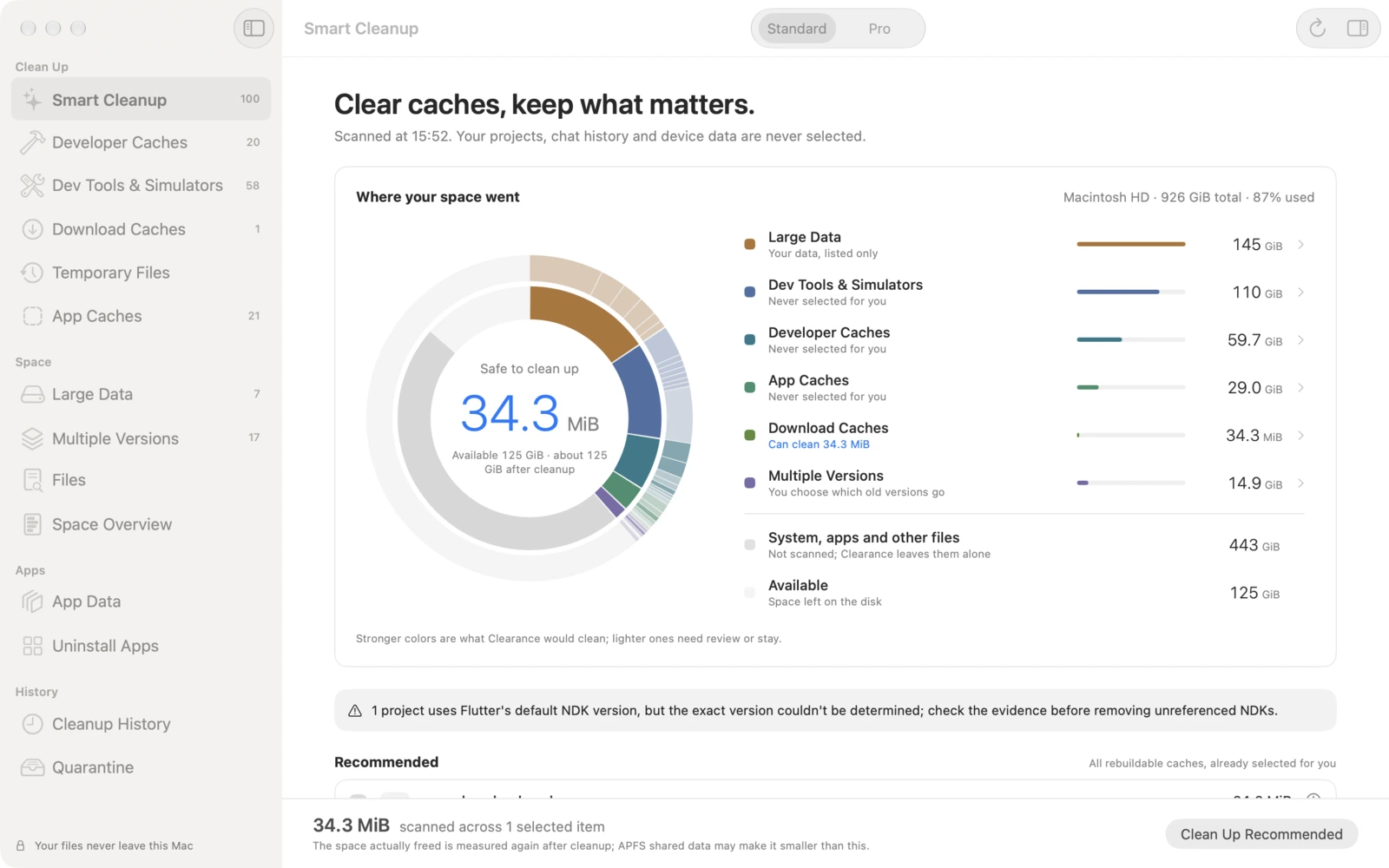
Clear the caches. Keep what matters.
Scan results list each item’s path, size and the reason behind the suggestion. One-click cleanup only selects caches that rebuild themselves, and you review the full list before anything is deleted.
Clearance reads your projects’ configuration to find the Gradle, NDK and Flutter versions they actually use, and flags old versions nothing references. Android NDKs, system images and emulators are removed with the official SDK Manager and avdmanager. It never runs project scripts.
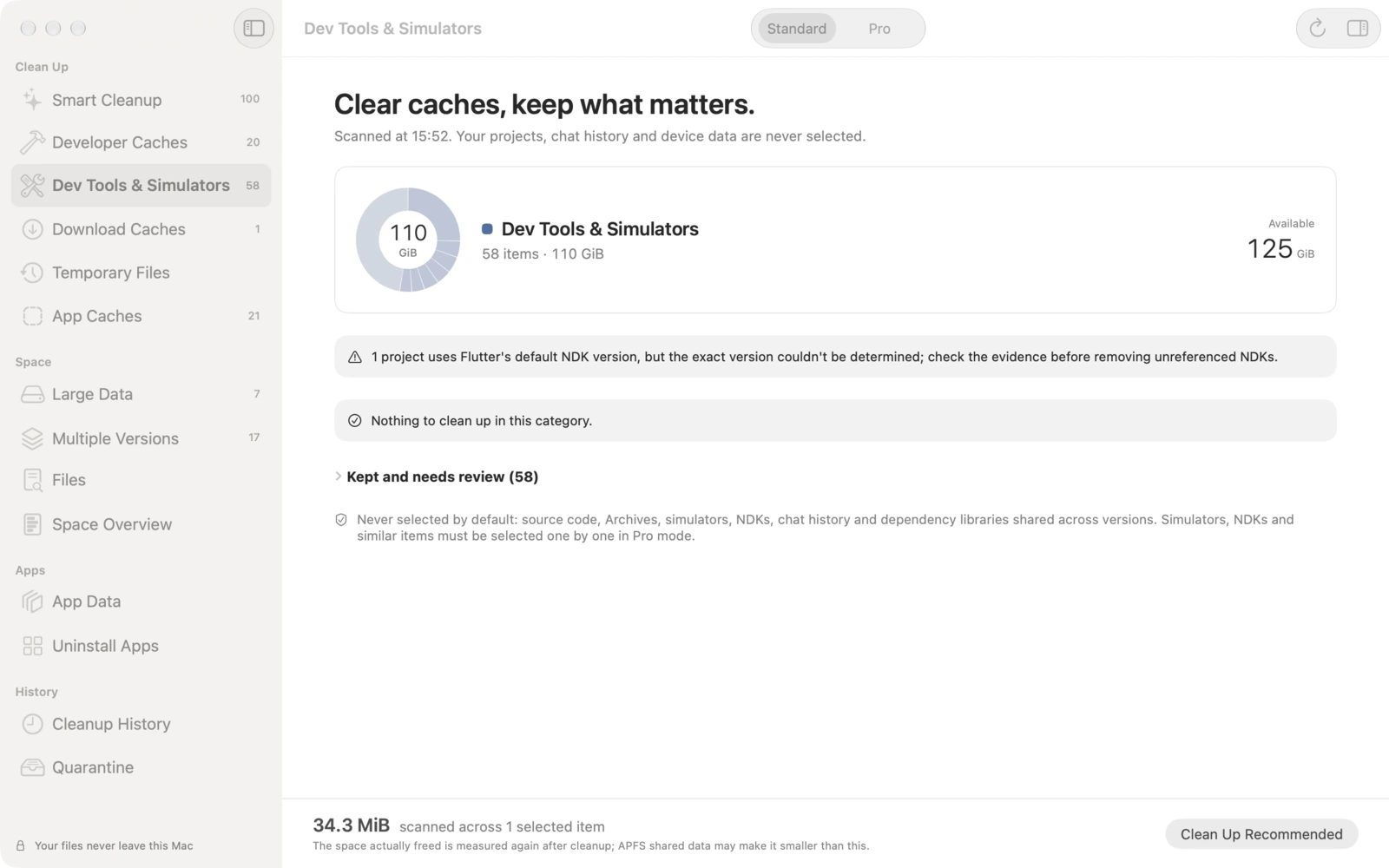
Xcode module cache, precompiled modules, DerivedData, device support files and iOS simulators; per-version Gradle caches; download caches from Homebrew, pip, CocoaPods and npm; Flutter build folders, keeping packaged builds inside.
AI models, containers, virtual machines, chat app data and iPhone and iPad backups are measured and explained. This data is shown for your information and never cleaned automatically.
When you uninstall an app, Clearance also finds its support files, caches and preferences. Move them to the Trash so you can restore them if needed.
Scanned usage isn’t always the space you get back. After cleanup, Clearance measures the disk again and shows how much was actually freed.
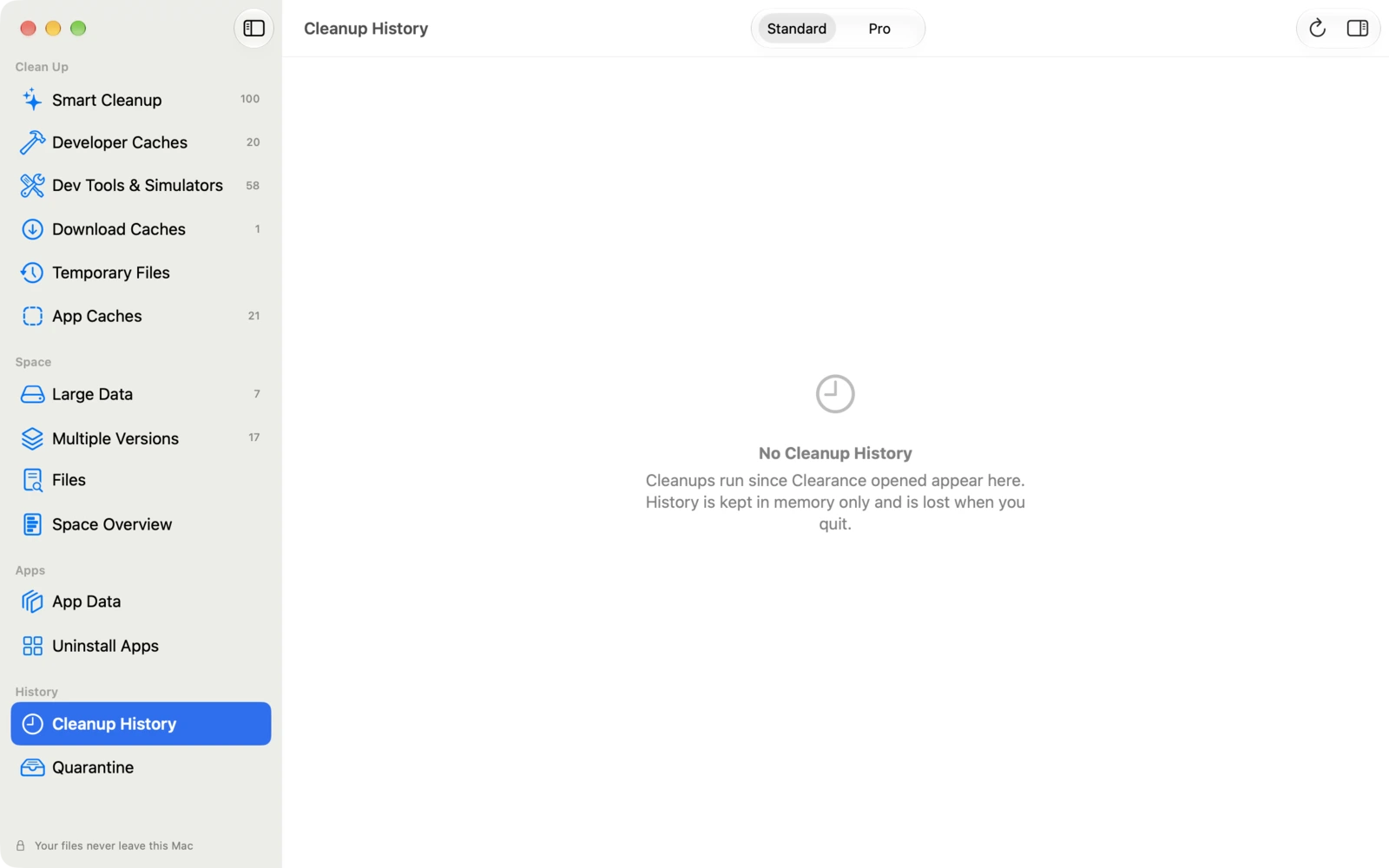
Standard mode shows only recommended items and keeps things simple. Pro mode shows full paths, evidence and every candidate, for people who want to make the call themselves.
Screenshots are from the current development build; the released app may differ slightly.
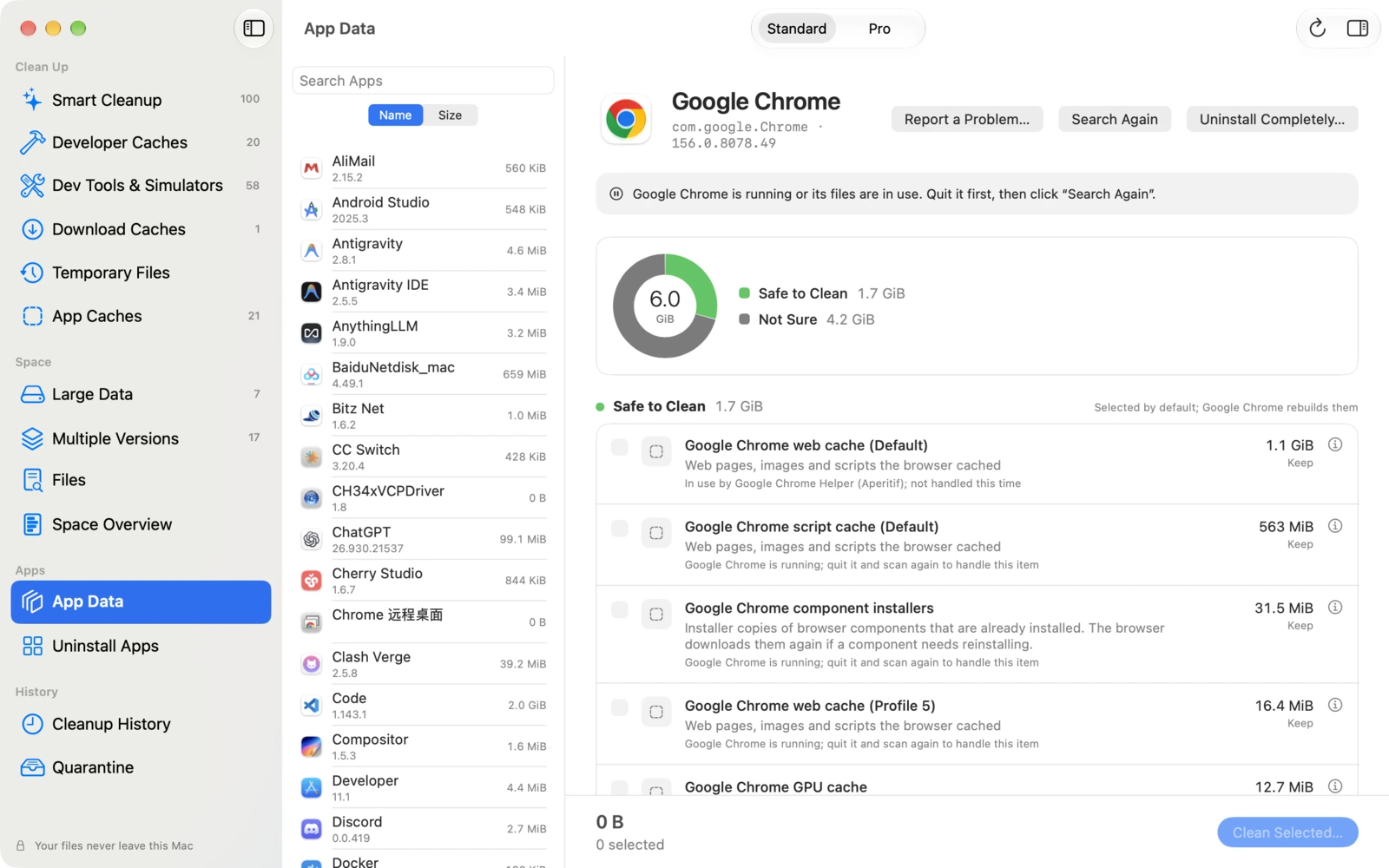
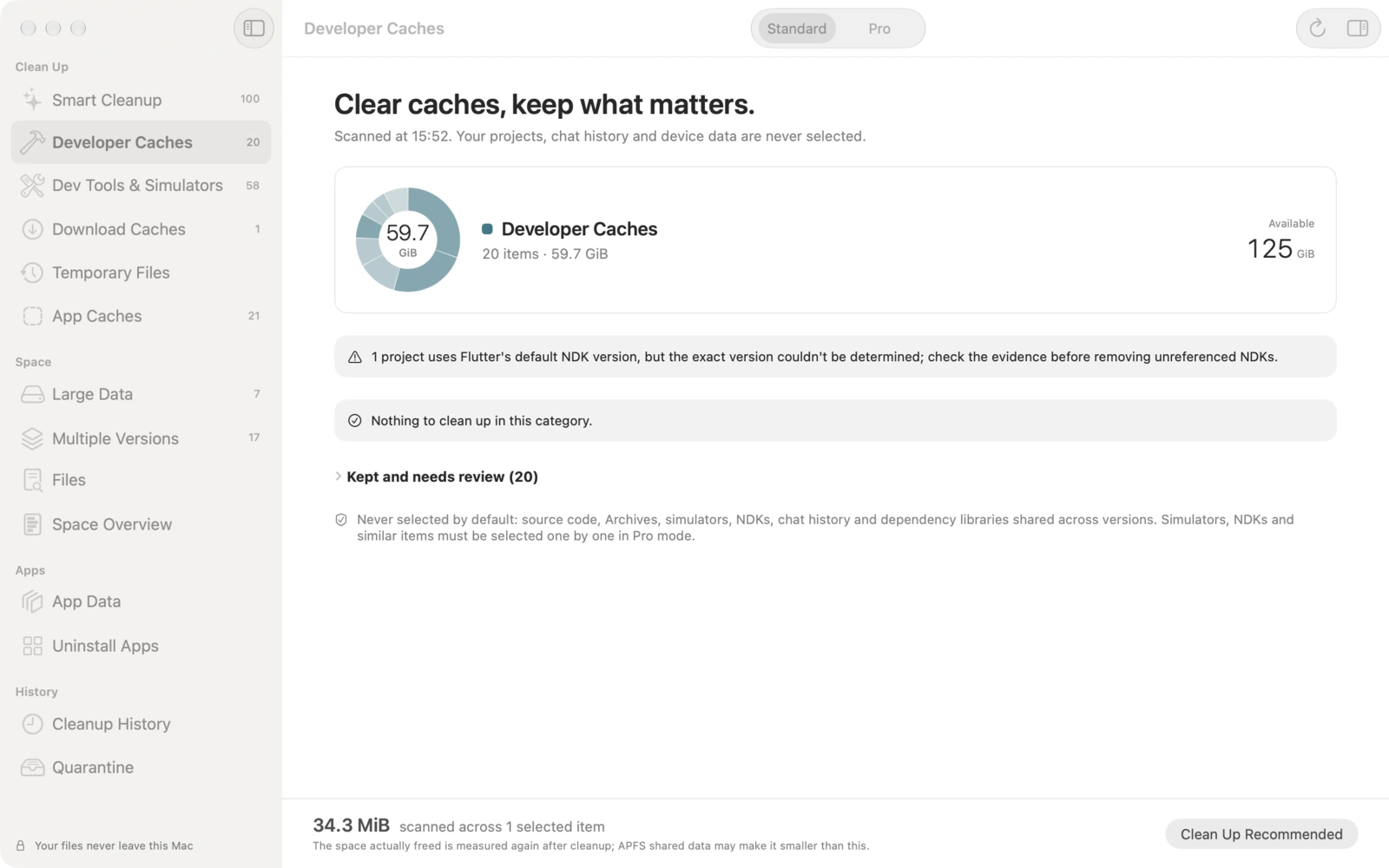
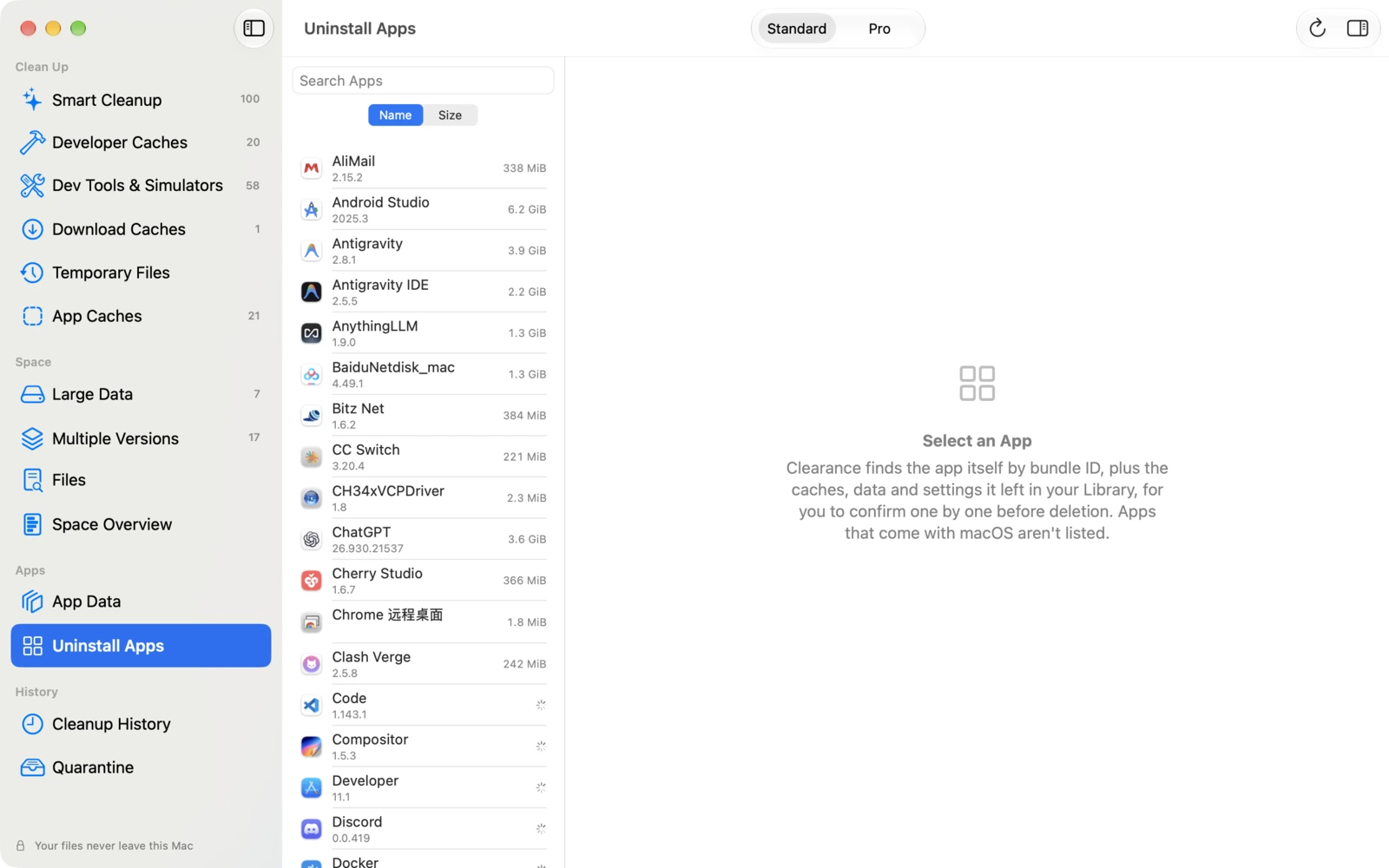
It isn’t available to download yet. To hear when it launches, or to send a question or idea, write to us.
Clearance needs no account, uploads no file lists or scan results, and includes no advertising or analytics tools. Full Disk Access is used only to measure other apps’ data folders, and the app works without it.
Open it and start. No sign-up, no login.
File paths, sizes and cleanup history are processed on your Mac only.
Full Disk Access only measures other apps’ data folders. Revoke it anytime in System Settings.
A full list before every deletion. Large and personal data is never selected automatically.

The Clearance privacy policy explains permissions, on-device processing and deletion in detail.
Clearance is a Mac disk cleanup app for developers, made by Fly Design. It scans caches and old versions left by Xcode, Gradle, Android SDK, Flutter and other developer tools, plus large data, explains each item’s path, size and reason, and cleans only after you confirm.
One-click cleanup only selects caches that rebuild themselves. Your projects, chat history and device data are never selected. Large data such as AI models, virtual machines and iPhone backups is shown but never cleaned automatically. Before every deletion you review the full list and confirm.
Clearance reads the configuration files of projects on your Mac to find the Gradle, NDK and Flutter versions they actually use, then flags old versions no project references. It only reads configuration and never runs project scripts. Android NDKs, system images and emulators are removed with the official SDK Manager and avdmanager, and iOS simulators with simctl.
No. All scanning and cleanup happen on your Mac. File paths, sizes and cleanup history are never uploaded, and there is no account to create. The app contains no advertising or analytics components.
No. With it, Clearance can also measure other apps’ data folders. Without it, scanning and cleanup still work and those folders are simply left out. You can revoke access anytime in System Settings › Privacy & Security.
Clearance is coming soon and isn’t available to download yet. It requires macOS 14 Sonoma or later and runs natively on Macs with Apple silicon or Intel processors. Its interface is in English, French, Spanish, Simplified Chinese and Traditional Chinese. Pricing and availability will be announced at launch; to hear when it’s out, write to flydesign.app@gmail.com.
Clearance is a macOS disk cleanup app for developers, made by Fly Design. It scans caches left by developer tools, old SDK versions and simulators, and large data, explains each item’s path, size and reason, and cleans only after you confirm. Everything happens on your Mac, and nothing is uploaded.
Facts updated